Mechanical vs Membrane Keyboards: Which Should You Buy?
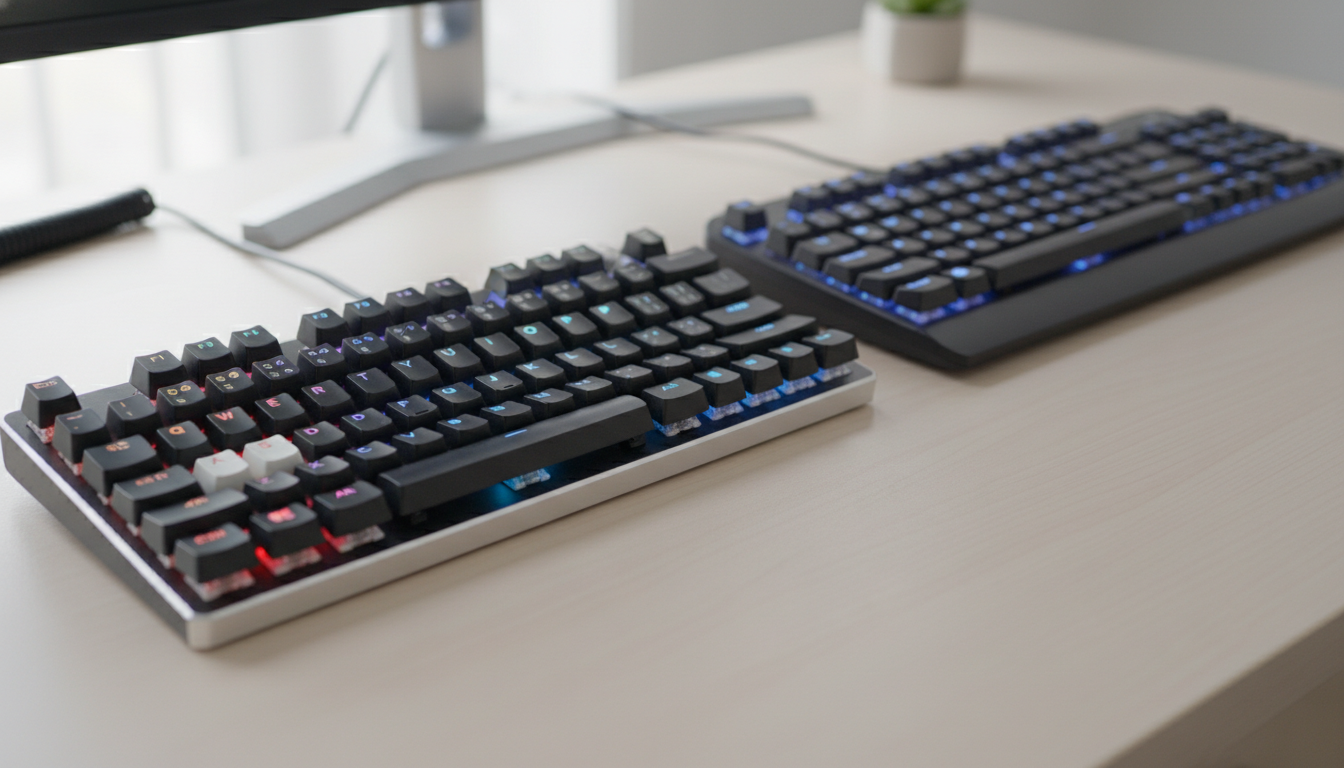
Membrane keyboards ship with most desktops and cost next to nothing. Mechanical keyboards cost more, feel dramatically different, and last longer. Which one is worth your money depends on what you do at a desk all day.
How They Actually Work
A membrane keyboard uses a pressure pad beneath the keys. Press a key and it pushes through a rubber dome that completes a circuit on a membrane layer underneath. The whole assembly is one continuous sheet — cheap to manufacture, quiet by default, and easy to make spill-resistant.
A mechanical keyboard gives every single key its own independent switch. That switch has a spring, a stem, and two metal contacts. Press it and the stem pushes the contacts together to register a keystroke. Because each switch is discrete, you can replace individual keys, swap switches, or tune the board to your exact preference.
The practical result: membrane keys feel mushy and indistinct. Mechanical switches give you a defined actuation point — a specific moment in the keypress where the input registers.
The Feel Difference Is Not Subtle
This is where the gap is widest. Membrane boards return vague tactile feedback, if any. You bottom out on every keystroke by default, which adds up to fatigue during long typing sessions.
Mechanical switches come in three flavors:
- Linear (e.g., Cherry MX Red, Gateron Yellow): smooth from top to bottom, no bump, quiet-ish. Popular for gaming.
- Tactile (e.g., Topre, Holy Pandas, Gateron Brown): a physical bump at the actuation point. Good feedback without the noise.
- Clicky (e.g., Cherry MX Blue, Kailh Box White): tactile bump plus an audible click. Satisfying to type on; annoying to everyone nearby.
If you’ve only ever used a membrane board, any quality mechanical switch will feel like an upgrade. The question is which switch flavor suits you, not whether to make the switch at all.
Durability and Longevity
Membrane keyboards are rated around 5 million keystrokes per key. That sounds like a lot until you realize a fast typist can hit 300,000 keystrokes per day. Rubber domes degrade over time — the bounce-back softens, the feel gets worse.
Most mechanical switches are rated for 50–100 million keystrokes. Cherry MX switches are rated at 100 million. Gateron and Kailh are comparable. A well-built mechanical keyboard with quality switches can last a decade of daily use with zero maintenance.
Mechanical keyboards also age better in a second way: they’re repairable. A single dead switch can be desoldered and replaced. If you spill coffee on a membrane board, the whole thing usually dies. On a hot-swap mechanical keyboard, you pull the affected switches, dry the PCB, and move on.
Price Reality Check
Budget membrane boards run $10–25. Logitech, Dell, and HP ship them with desktop bundles. They’re disposable by design.
Entry-level mechanical keyboards start around $40–60. The Keychron K2 (around $90), the Royal Kludge RK84 (around $45), and the Logitech G Pro X TKL all land in a range where you get genuine mechanical switches without paying boutique prices.
Mid-range boards — $100–200 — get you aluminum cases, better stabilizers, and more switch options. Above $200, you’re in enthusiast territory: gasket mounts, POM plates, and switches that cost more per unit than some full membrane boards.
For most people comparing “should I spend $20 or $80,” the $80 mechanical board is worth it if you type more than two hours a day. For occasional use, a decent membrane like the Logitech MK270 does the job fine.
Noise Levels
Mechanical keyboards have a reputation for being loud. That reputation is earned — but it’s not universal.
Clicky switches are genuinely loud. Cherry MX Blues in an open-plan office will make you unpopular fast. But linear switches in a keyboard with good foam dampening can be quieter than a cheap membrane board bottoming out on a hard desk.
The quietest mechanical options: Gateron Silent Red/Black switches, Topre boards like the HHKB Professional Hybrid, or any linear switch paired with o-ring dampeners. These are quieter than most membrane boards and still give you proper tactile feedback.
If noise is a hard constraint, go linear + dampened, not membrane.
Who Should Stick With Membrane
Membrane keyboards make sense in a few specific cases:
- Shared workspaces where you can’t justify the cost and don’t want to carry a board back and forth
- Kids’ first keyboards — spill-resistant membranes absorb abuse better
- Tight budgets under $30 where the priority is just getting a keyboard that works
- Ultra-portable setups where the slim membrane-style laptop keyboards (not quite the same but related) are acceptable trade-offs for portability
If none of those apply to you, a mechanical keyboard is the better tool.
Bottom line: Membrane boards are cheap and functional. Mechanical keyboards are better in almost every measurable way — feel, durability, repairability, and long-term typing comfort — once you get past the price bump. For daily use, a $60–90 entry-level mechanical is money well spent.